Free & Unlimited AI Photo Editor — No Sign Up
Use our free AI photo editor with unlimited access and no sign up required. Start editing immediately without creating an account, subscription, or payment.
Edit any photo with AI using simple text prompts. Upload an image and use FreeMaker’s free AI photo editor to remove or replace objects, change backgrounds, edit clothes, restyle photos, and enhance images online — no sign up required.
Editing is not available in this preview yet. You can try uploading a photo and writing a prompt.
 BeforeAfter
 BeforeAfter
 BeforeAfter
Free Online · No Sign Up · AI Prompt Editing
Edit and transform photos online with our free AI photo editor. Fast, simple, high-quality, and no sign up required.
Use our free AI photo editor with unlimited access and no sign up required. Start editing immediately without creating an account, subscription, or payment.
Create natural, high-quality edits with our AI photo editor. FreeMaker preserves important details and subject consistency while making the changes you request.
Get your edits faster with our AI image editor. Describe the change you want and let AI transform your photo in seconds.
Your privacy matters. Images uploaded to our online AI photo editor are automatically deleted within 24 hours to help keep your content private.
Editing photos with AI is simple. Upload your image, describe what you want to change, and generate your edited result in just a few steps.
Upload or drag and drop the image you want to edit. FreeMaker supports common image formats including JPG, PNG, and WebP.
Describe what you want to change using a simple text prompt, such as: “Remove the background.” “Erase the object.” “Change the clothes.” “Enhance the image.” Our AI image editor understands your request and applies the edits automatically.
Click Generate and let our free AI image editor process your request. Preview the result and download your edited image in high quality.
From quick fixes to creative transformations, FreeMaker makes photo editing easier with simple text prompts. Explore what you can do with our free AI photo editor online.
 BeforeAfter
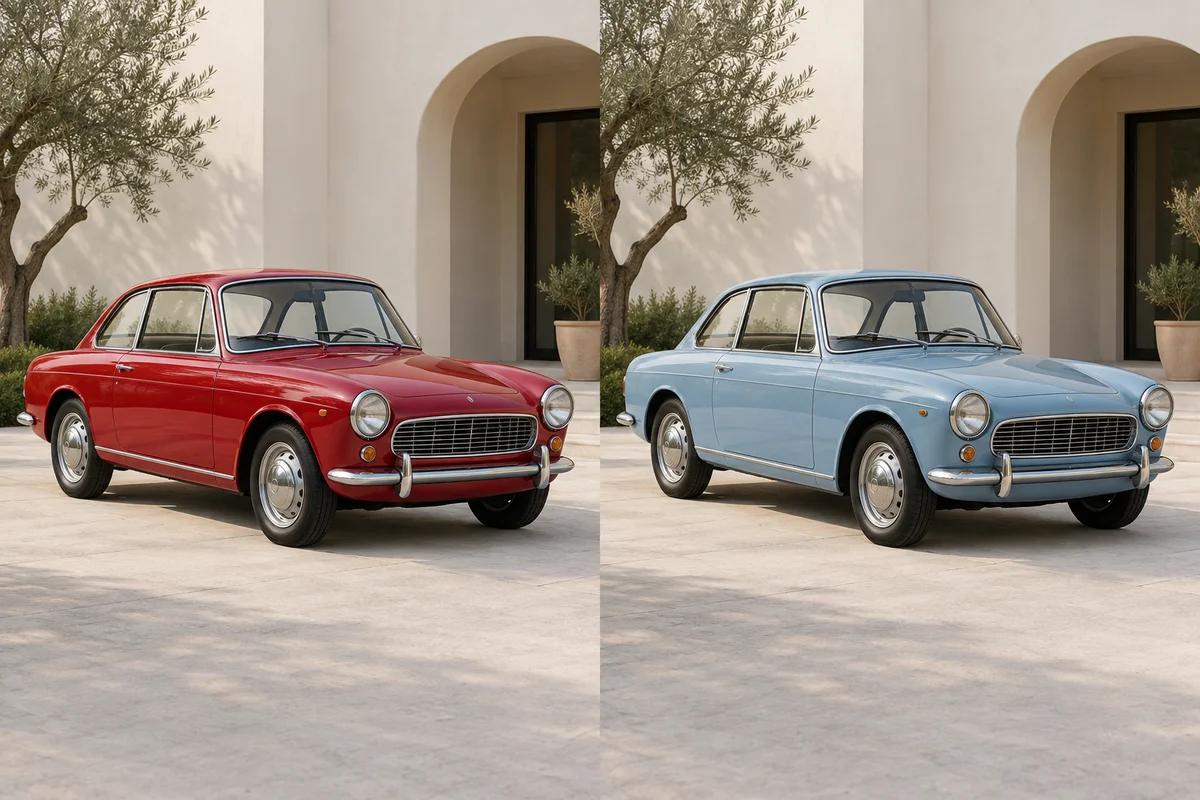
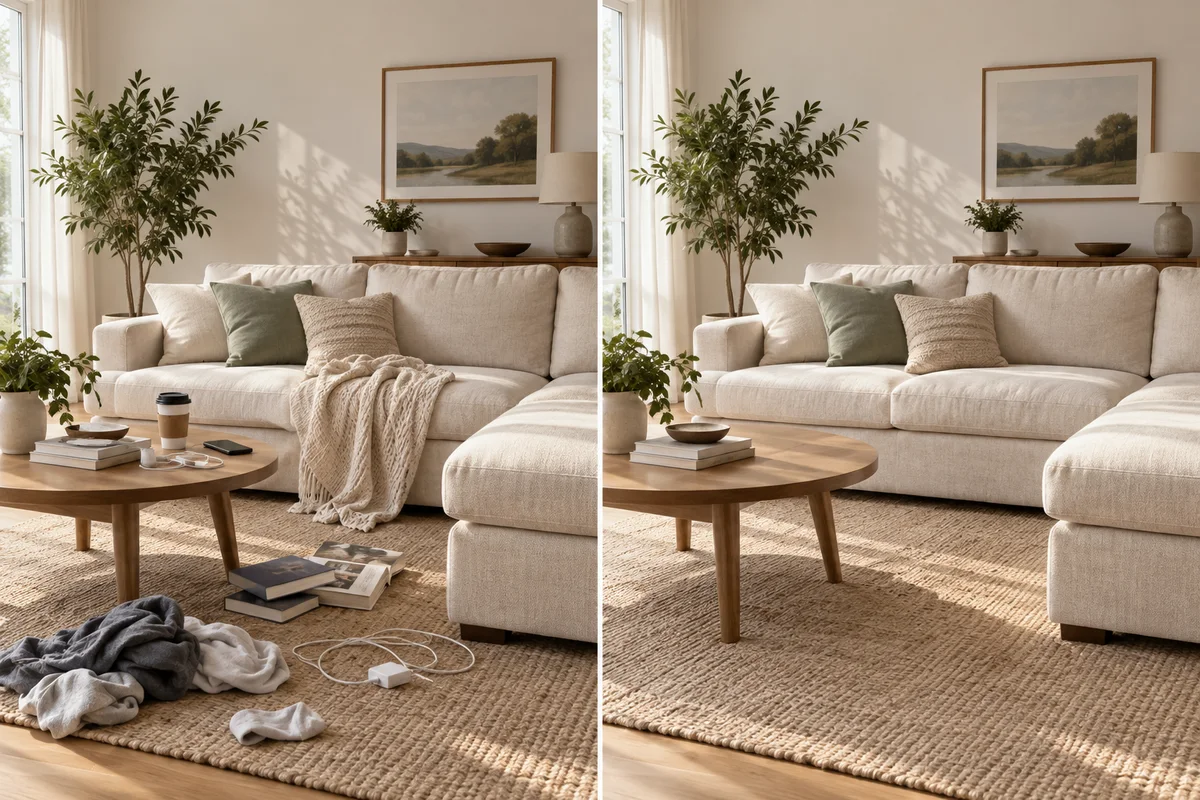
Use our AI photo editor to remove unwanted people or objects, add new elements, replace items, change colors, or modify clothing and image details. The AI image editor understands the surrounding scene and helps edited areas blend naturally with the original image — without manual masking or complex tools.
Try AI Object Editing →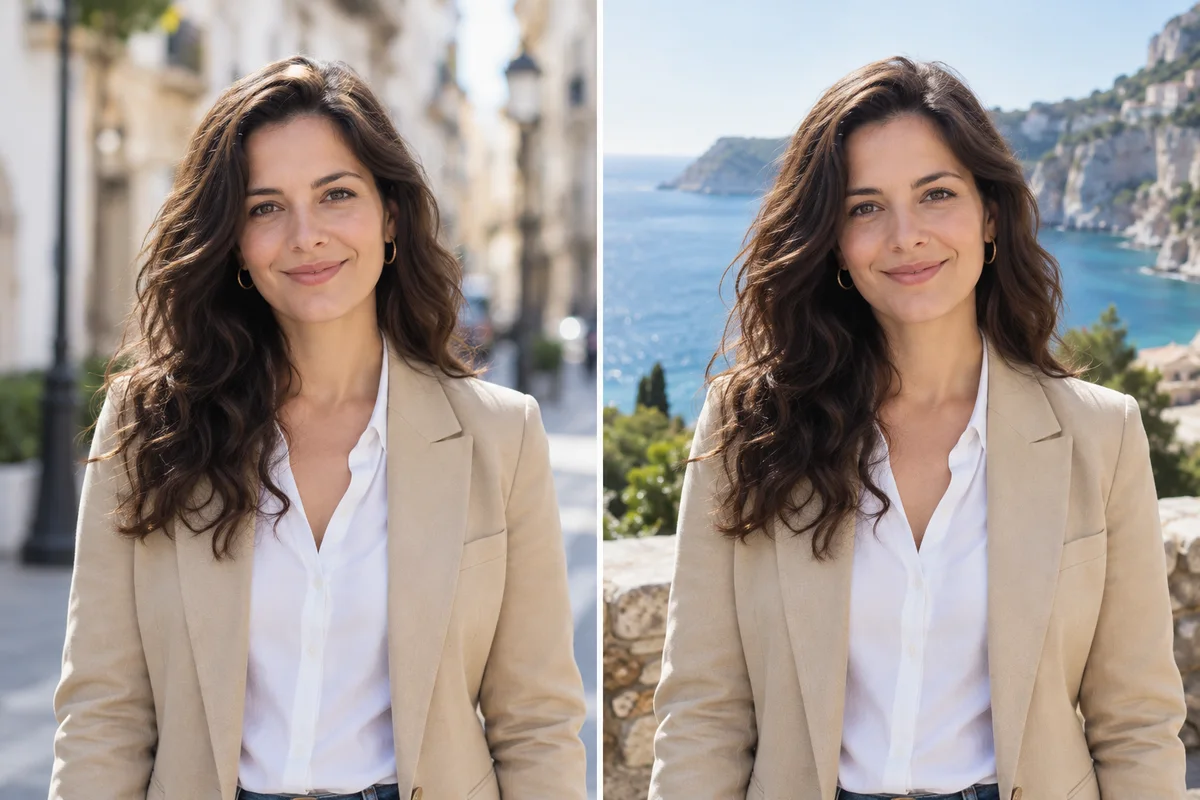 BeforeAfter
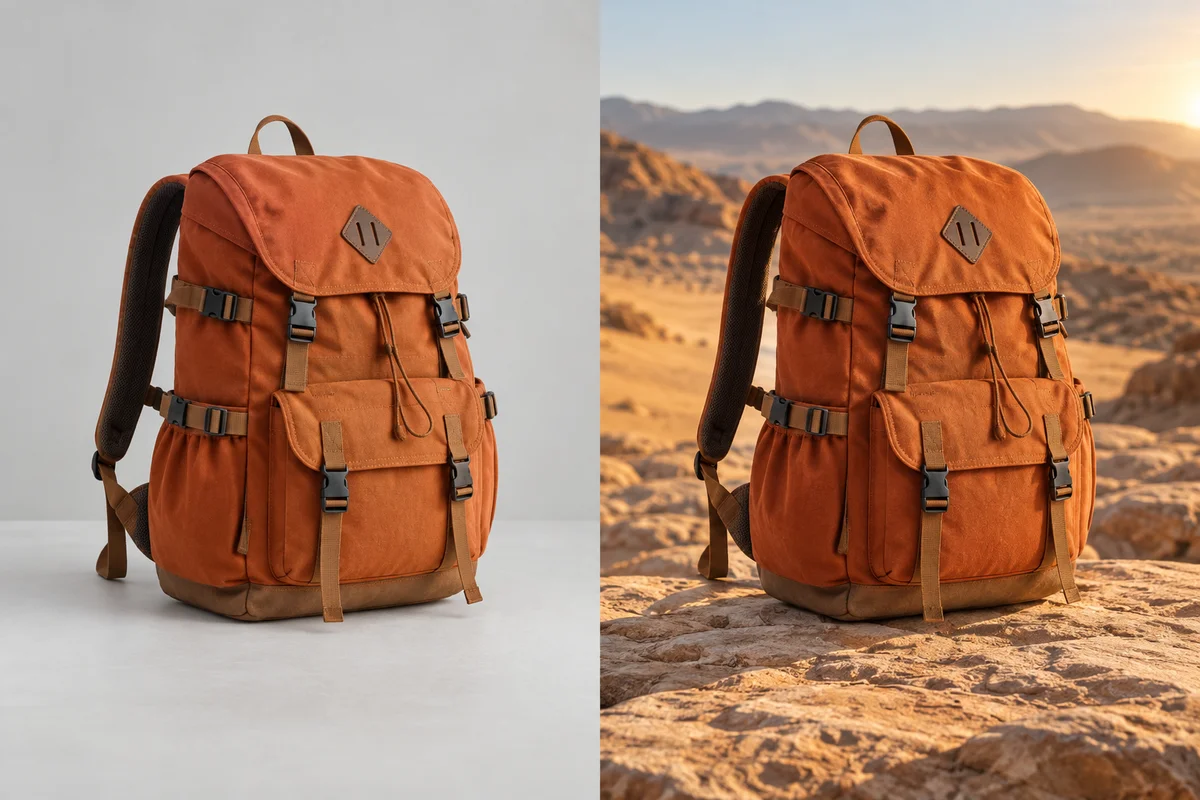
Create a completely new environment with our free AI image editor. Replace backgrounds, change locations, adjust weather or lighting, or turn ordinary product and portrait photos into professional-looking scenes. This AI picture editor makes background replacement and scene transformation simple for ecommerce, social media, portraits, and creative projects.
Change a Background with AI →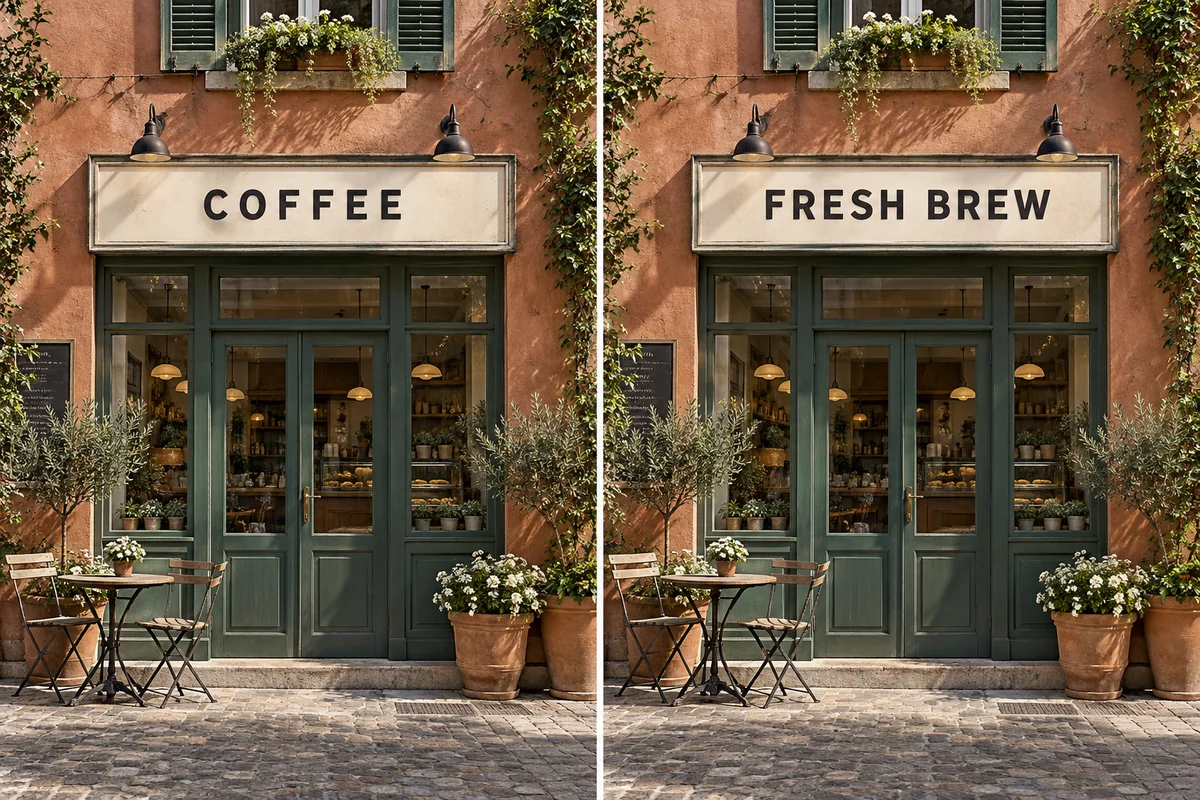 BeforeAfter
Use our AI photo editor online to add, replace, or remove text, logos, captions, signs, and unwanted watermarks from images you own or have permission to edit. The photo editor AI analyzes perspective, layout, lighting, and surrounding details to help edited text and graphics blend naturally into the image.
Edit Text & Graphics with AI →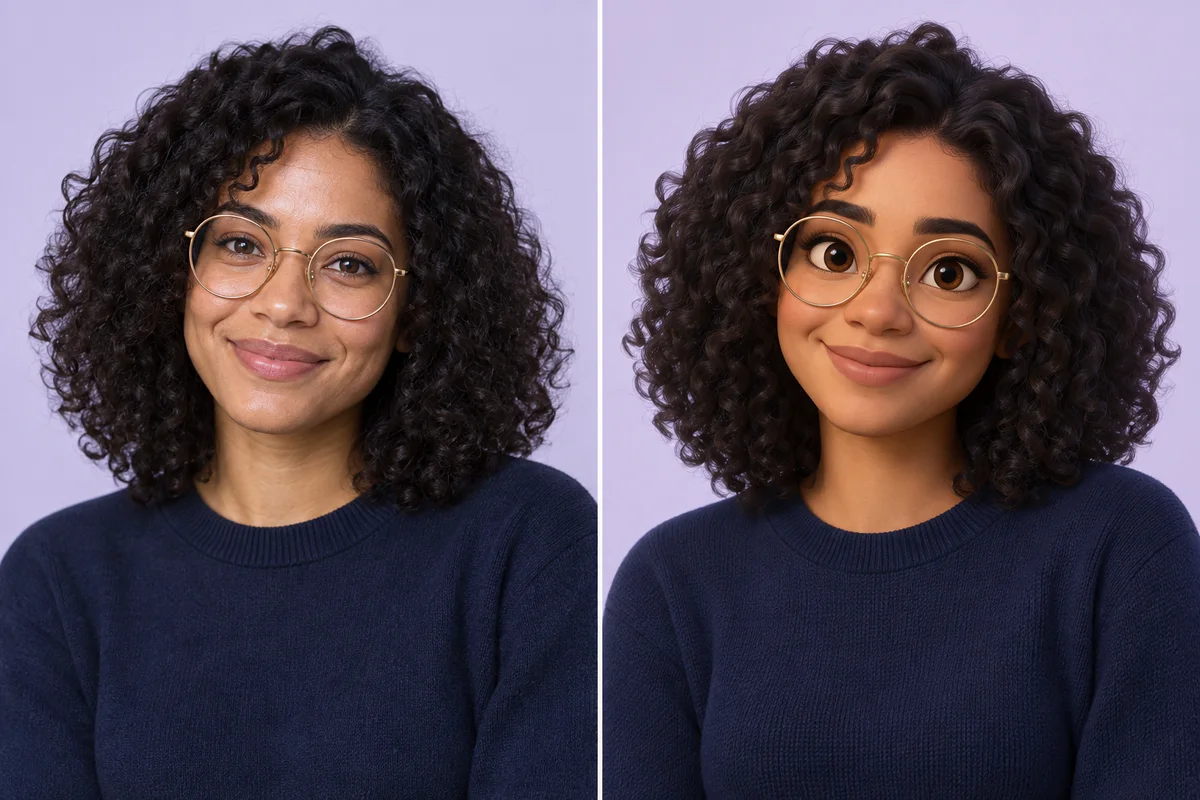 BeforeAfter
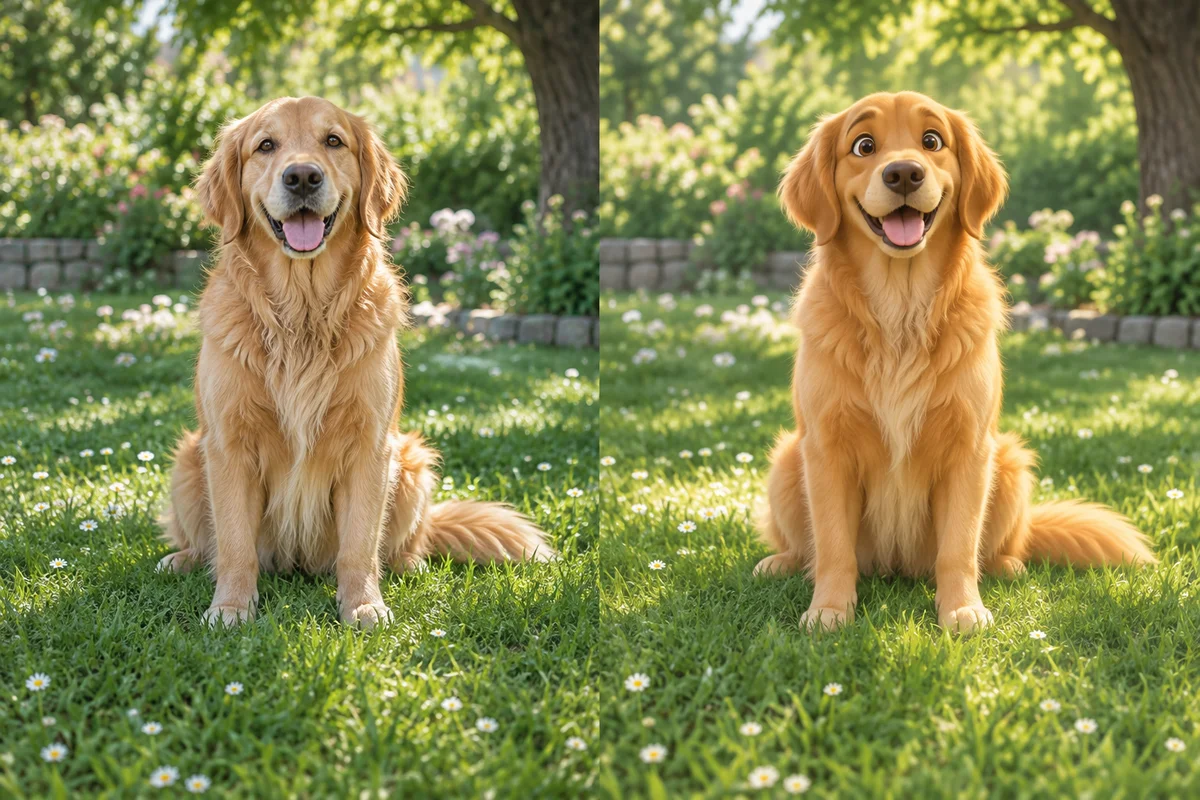
Transform clothing, backgrounds, lighting, and visual styles while keeping important facial features, proportions, poses, and subject details as consistent as possible. FreeMaker’s AI image editor supports cinematic, anime, fashion, cartoon, 3D, vintage, photorealistic, and other creative styles. For reference-based transformations, try our Image to Image AI tool.
Restyle Your Photo →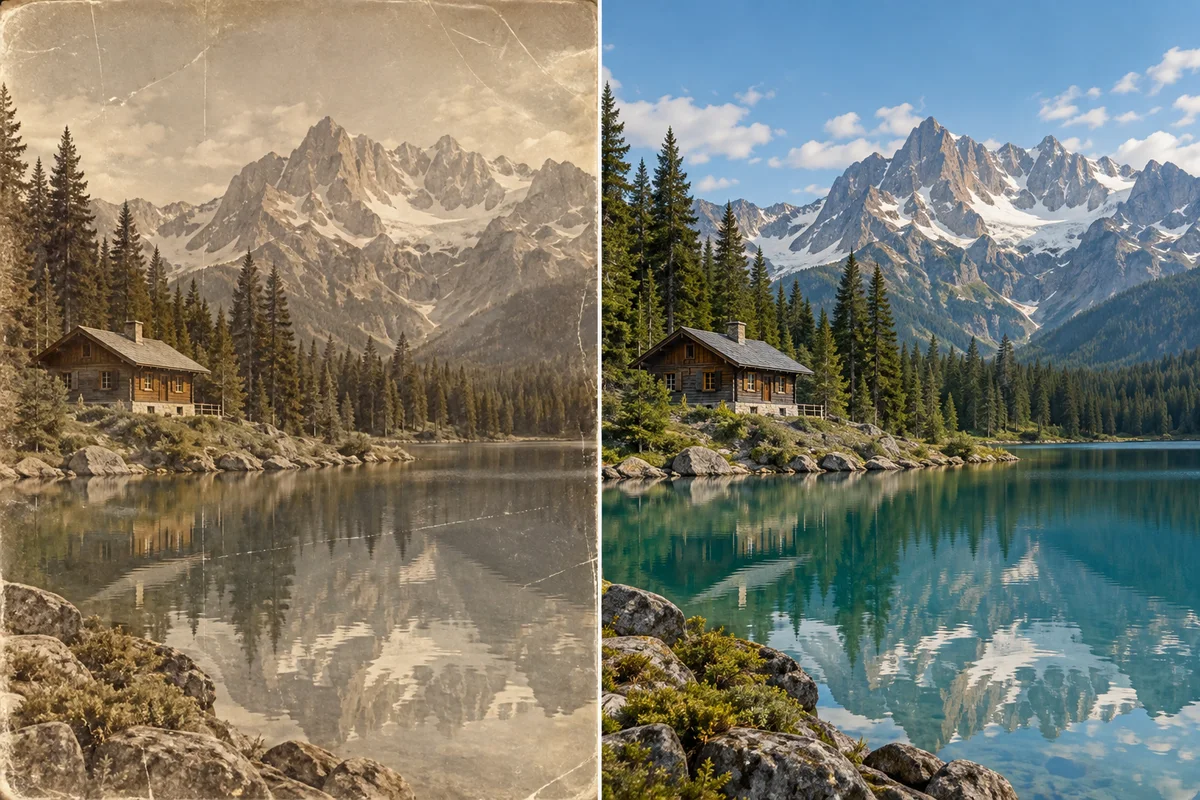 BeforeAfter
Improve blurry, old, cropped, or low-quality images with our AI photo editor. Enhance details, restore photos, reduce blur and noise, improve lighting, or extend image borders to create wider and taller compositions. For more specialized quality improvements, explore our AI Image Enhancer and AI Image Upscaler tools.
Enhance an Image with AI →From product photography to personal portraits, FreeMaker helps different users turn ordinary images into polished visuals for real projects. Our free AI photo editor makes common editing tasks faster and easier without requiring advanced design skills.
 BeforeAfter
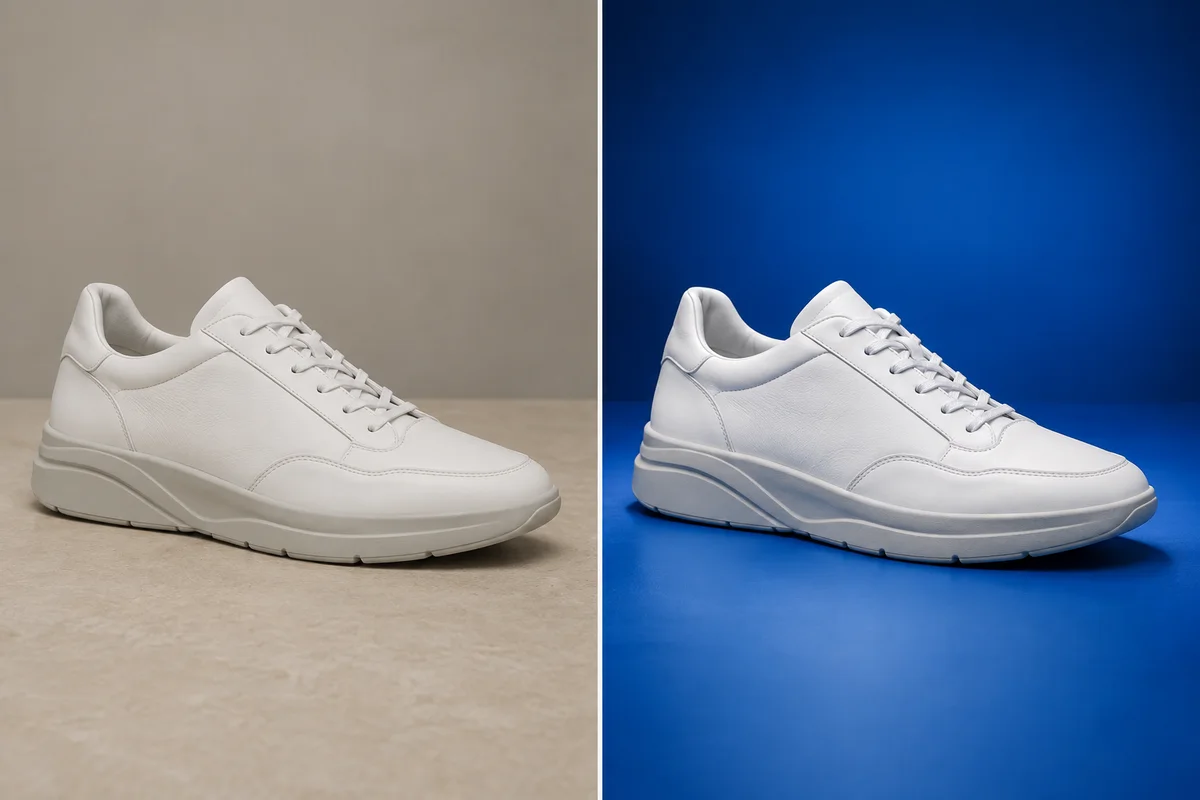
Online sellers often need clean, consistent product images for storefronts, ads, seasonal campaigns, and marketplace listings. With FreeMaker’s AI photo editor, sellers can quickly turn basic product shots into more polished visuals for Amazon, Shopify, Etsy, or their own online stores. Instead of reshooting the same product for every campaign, they can create multiple visual versions from a single image and adapt them for different sales channels.
 BeforeAfter
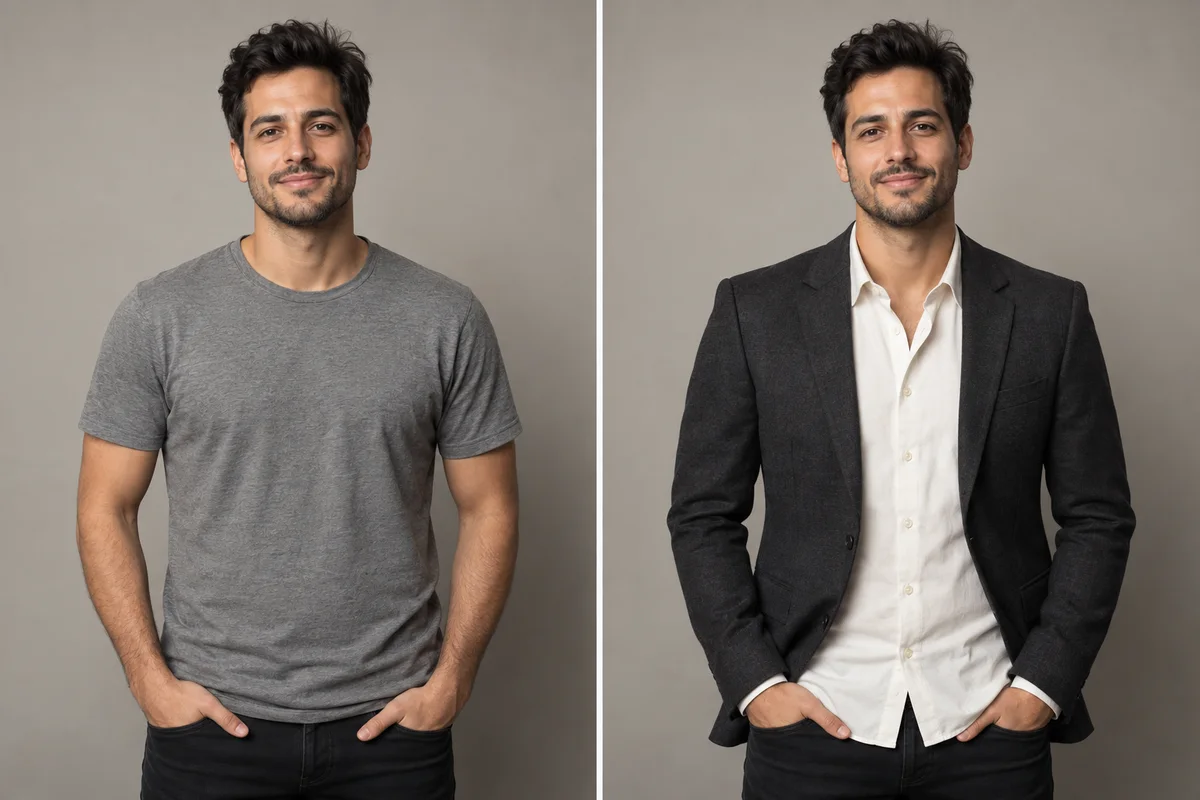
Creators frequently need different versions of the same photo for posts, thumbnails, stories, short-form videos, and promotional content. Using our AI image editor, creators can quickly adapt ordinary photos into visuals that better fit Instagram, TikTok, YouTube, Pinterest, and other platforms. This makes it easier to experiment with new looks, refresh existing content, and keep a more consistent visual style across different channels.
 BeforeAfter
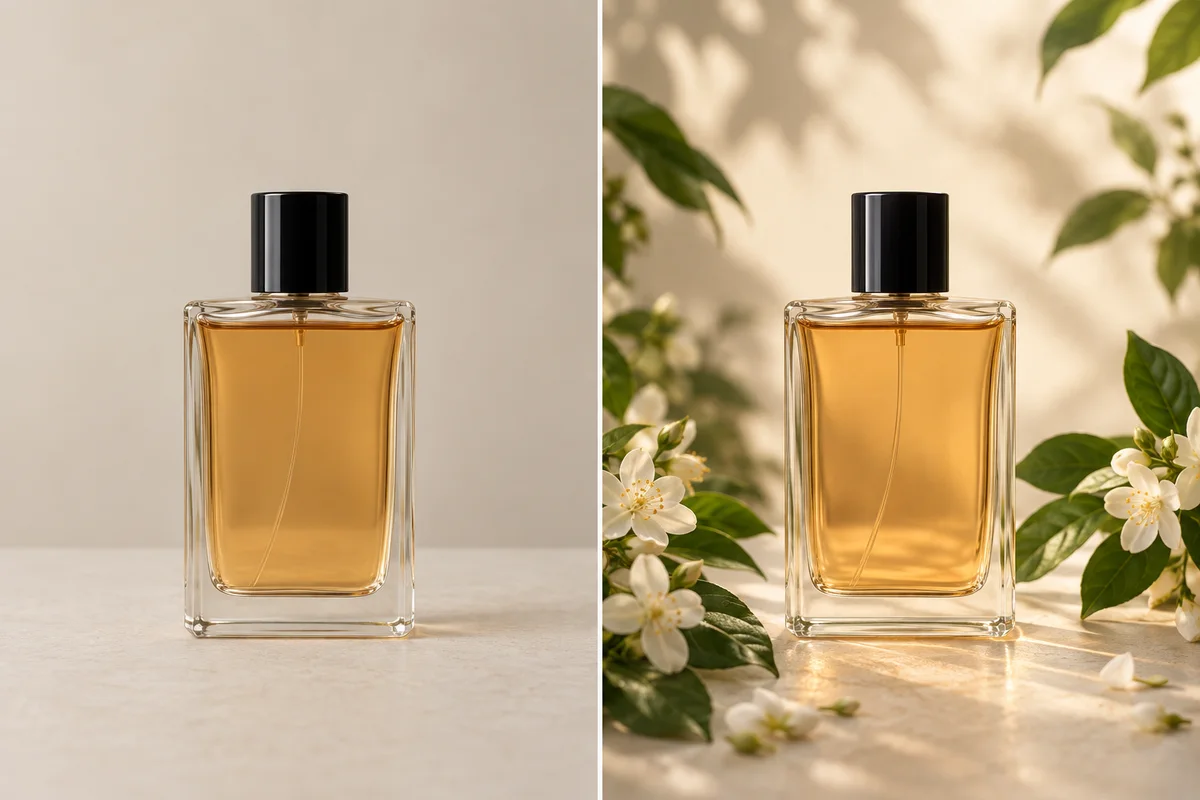
Marketing teams often need to produce banners, campaign images, promotional graphics, and branded visuals on short timelines. FreeMaker works as a flexible AI photo editor online for quickly turning existing images into new creative variations. Teams can explore different directions, prepare campaign assets, and adapt visuals for websites, ads, presentations, and social media without rebuilding every design from scratch.
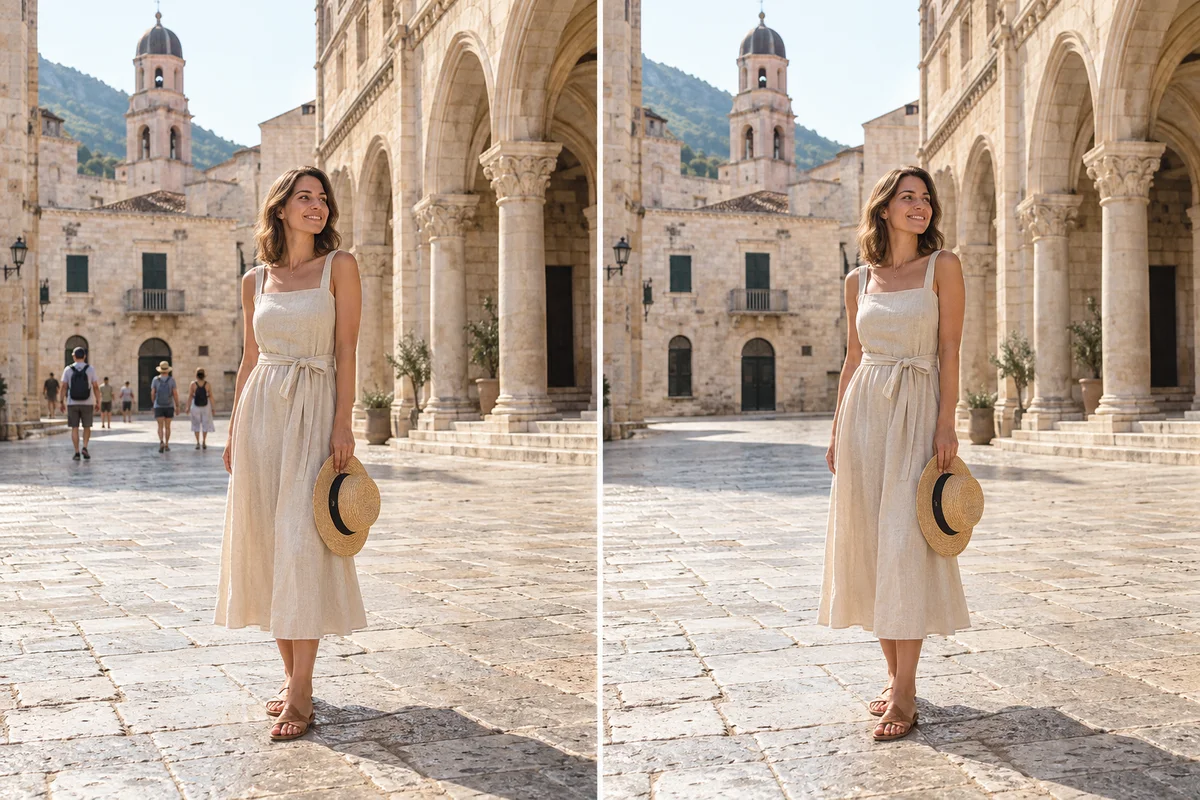 BeforeAfter
Not every edit is for professional work. FreeMaker also makes everyday photo editing easier for portraits, travel photos, family pictures, and personal creative projects. Use the photo editor AI workflow to clean up distracting details, refresh an old photo, improve a portrait, or create a new visual style from an image you already like. It is a simple way to make everyday photos look more polished without learning complex editing software.
See how sellers, creators, designers, marketers, photographers, and everyday users use our free AI photo editor for real editing tasks.
“FreeMaker makes product photo editing much easier. I can clean up backgrounds, remove distracting objects, and create different versions of the same product image without reshooting everything. The free AI photo editor is especially useful when I need to prepare new listings quickly.”
 Emma R., Online Seller
“I use the AI image editor when I need a quick visual change for social posts. Changing backgrounds, outfits, or the overall style with a simple prompt is much faster than opening a traditional editor for every small adjustment.”
 Daniel M., Content Creator
“The prompt-based workflow is what I like most. I can describe a change, test different directions, and quickly edit text, logos, objects, or layouts. It feels like having an AI photo editor with prompt control for the early stages of a design.”
 Sophie L., Graphic Designer
“We constantly need new versions of campaign images for ads, landing pages, and social media. FreeMaker helps us turn existing visuals into new variations quickly, and the AI photo editor online makes it easy to test ideas without rebuilding every asset from scratch.”
 Marcus T., Marketing Manager
“I still use professional editing software for detailed client work, but FreeMaker is great for quick fixes and creative previews. It saves time when I want to clean up a photo, improve details, or test a different background before doing a full edit.”
 Rachel C., Photographer
“I mainly use it for travel and personal photos. Removing people from the background or changing a scene is surprisingly simple, and I like being able to try edits without creating an account. The free AI image editor is useful when I just want a quick result without learning complicated tools.”
 Kevin J., Everyday User
FreeMaker is a powerful AI image editing and generation tool that makes impressive visual results accessible to everyone. Whether you are refining an existing photo or creating a new visual idea, you can turn a simple description into something remarkable.
A free AI photo editor uses artificial intelligence to understand your image and editing instructions. Instead of manually working with layers, masks, or complex tools, you can upload a photo, describe what you want to change, and let AI generate the edited result. FreeMaker supports prompt-based editing for backgrounds, objects, clothing, text, styles, image details, and more.
Yes. FreeMaker is designed as a free AI photo editor that you can use online without paying for basic image editing. You can upload an image, enter your editing instructions, and generate results without creating an account or subscription.
Yes. You can use our free AI photo editor with no sign up required. Simply upload your image, describe the edit you want, and start generating without creating an account.
No. Images created with our free AI image editor can be downloaded without an added FreeMaker watermark. You can use the edited result directly for personal, creative, social media, or other supported uses.
Our AI photo editor with prompt-based editing understands natural language instructions. For example, you can type: “Remove the background.” “Change the clothes.” “Replace the object.” “Add text to the image.” The AI analyzes both your original image and your prompt, then generates a new version based on your request.
FreeMaker’s AI image editor can handle many common editing tasks, including: Removing or replacing objects; Adding new elements; Changing backgrounds and scenes; Editing clothes and colors; Modifying text, logos, and captions; Removing unwanted watermarks from images you have the right to edit; Restyling photos; Enhancing or restoring image details. Results may vary depending on the original image and the complexity of your prompt.
Yes. Our free AI photo editor is designed to produce clear, high-quality edited images that are ready to download after generation. The exact output resolution may depend on the original image and the editing task.
Your privacy matters. Images uploaded to our online AI photo editor are automatically deleted within 24 hours and are not kept longer than necessary for processing your edit. For full details, please review the FreeMaker Privacy Policy.
You may use edited images for commercial projects when you have the necessary rights to the original image and the resulting content complies with FreeMaker’s terms. Our AI photo editor can be useful for product images, marketing visuals, social media content, ads, and other business projects.
Yes. The free AI photo editor online works in supported mobile browsers, allowing you to upload, edit, and download images from your phone or tablet without installing desktop software.
Upload your image, describe what you want to change, and let FreeMaker handle the edit.
Try Free AI Photo EditorFree · Unlimited · No Sign Up · No Watermark